
Filterable sale and rental listings
Visitors switch between all, buy and rent, then narrow by property type and condition without leaving the page.
 TYCHALOG
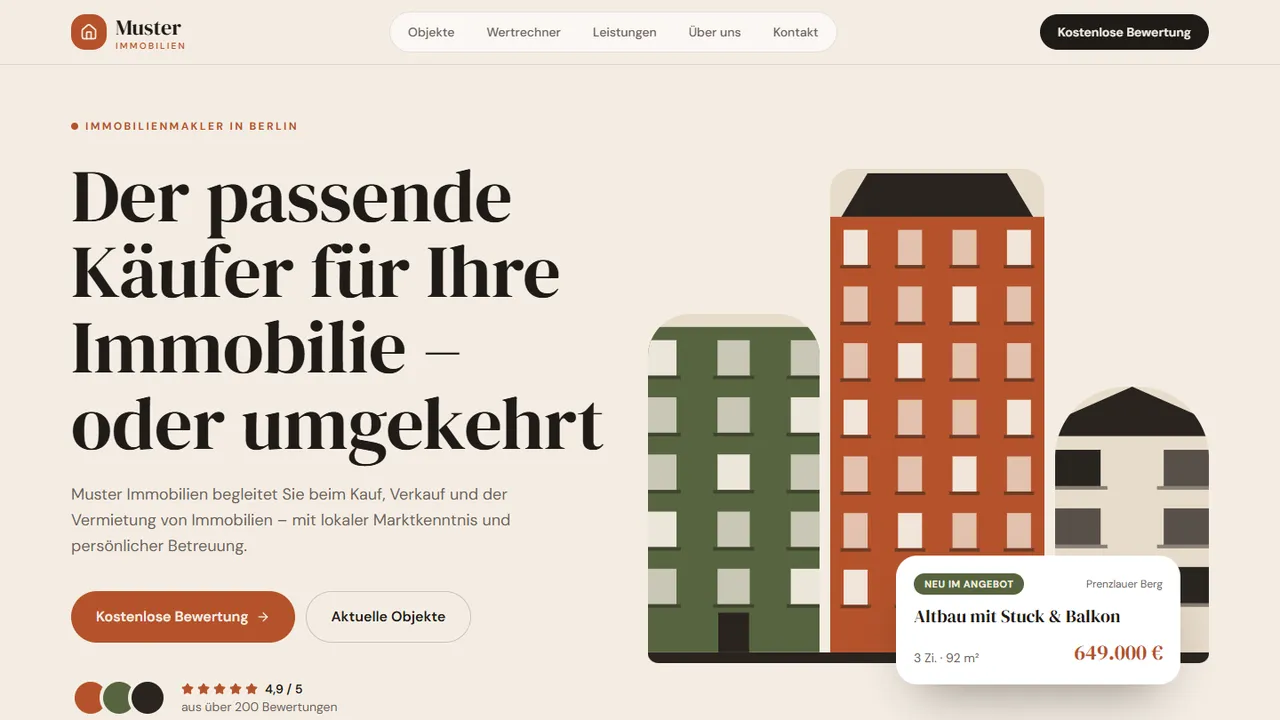
Owners and buyers ask what a property is worth and whether it is right. Exposé answers both directly: filterable sale and rental listings separate purchase from renting, with filters for type and condition, and a four-field calculator gives a first indication. Sand, terracotta and olive keep the design warm, while the enquiry form asks for intent and a preferred date.
Every section below is already built and working in the live demo — not a mock-up.
Visitors switch between all, buy and rent, then narrow by property type and condition without leaving the page.
Object type, floor area, district and condition produce an indicative market value and price per square metre, with a clear disclaimer.
Numbered sections for valuation, sale, search and rental split into a buyer's checklist and a landlord's checklist, with market knowledge and personal support up front.
Asks for name, email and whether the enquiry is buying, selling or renting, plus a preferred date and free-text message, so the office gets a complete brief.
The calculator is set up with your local market, property types and price bands before launch. Later changes to the formula go through support; a Business plan adds an admin area if you want to adjust it yourself.
Yes. The sample listings, district names and calculator options are replaced with your own area and property types before launch. After launch, changes are handled through support.
The built-in form collects a preferred date and enquiry type, which is enough for a first request. If you want live availability, automatic confirmations or client logins, those are added with the Business plan.
Pick the design, choose a plan, and we adapt it to your business, your content and your language before it goes live.